1. Introduction & Quick Summary
The Portable Document Format (PDF) is the world's default standard for distributing, archiving, and displaying documents. Created by Adobe in 1993, the PDF format was designed with a single, crucial promise: a document should look exactly the same on any screen, operating system, or printer. Today, billions of PDF files are used for everything from business contracts and tax forms to academic research papers, student portfolios, and graphic design sheets.
However, working with PDFs often presents significant challenges. Modifying a layout, merging multiple files, compressing large reports to fit email limits, or signing a contract offline typically requires expensive desktop software subscriptions, complex local installations, or registering accounts on external websites. Furthermore, traditional online PDF utilities require you to upload your confidential files to remote cloud servers for processing, exposing your private personal data to security leaks and network latency risks.
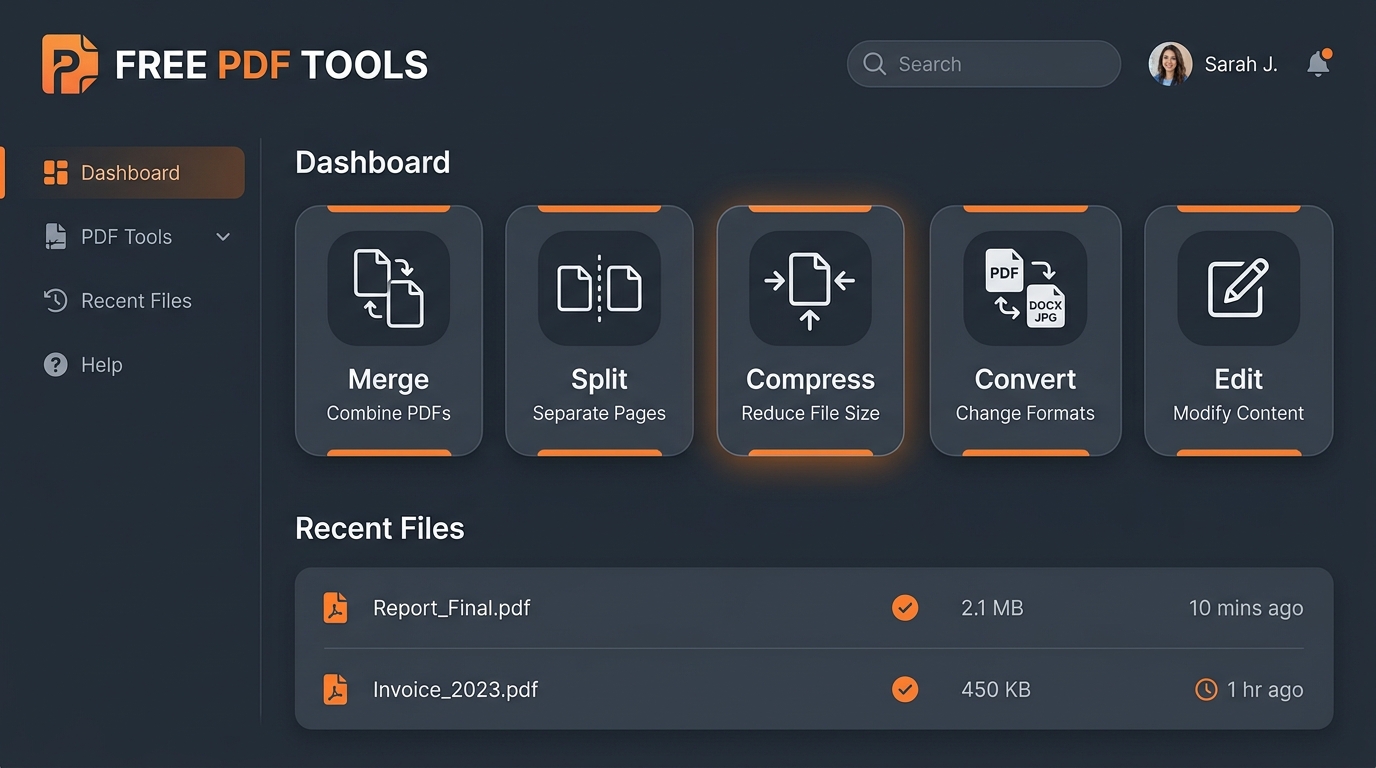
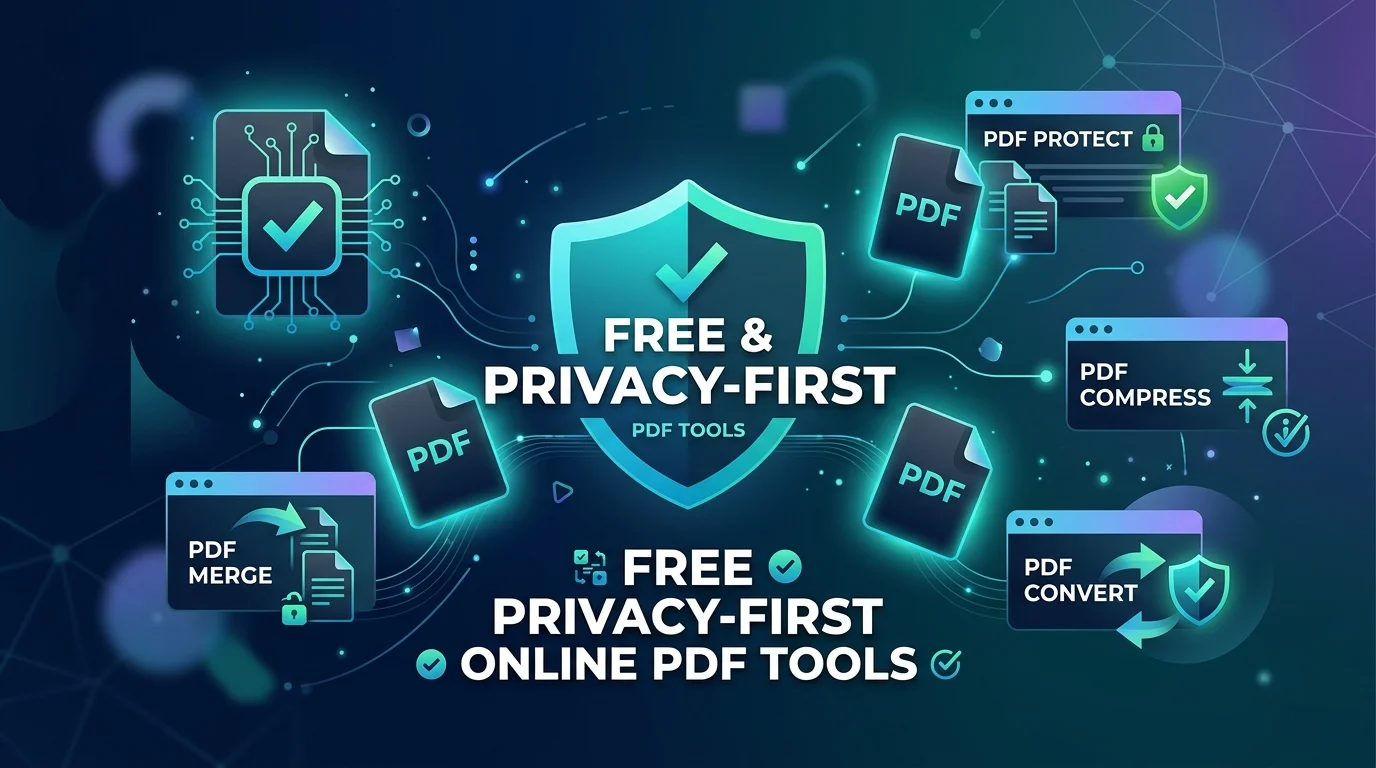
GetLocalTools offers a modern, privacy-first alternative. By running optimized compilation scripts directly in your client-side browser, we allow you to merge, split, compress, convert, sign, and optimize documents locally in your system memory. No bytes are sent over the network, your private documents are processed in milliseconds, and the entire toolkit works fully offline once loaded.
- 35+ Local PDF Tools
- 100% Client Browser Processing
- No Server Uploads Required
- No Account Registration
- Multi-Device Compatibility
- Completely Free & Ad-Free
2. Target Audience Groups
GetLocalTools' private document utility suite is designed to accommodate various user profiles:
🎓 Students
Merge homework files, convert slides to PDFs for reading offline, and crop page margins for convenient reading on mobile devices.
📄 Office & HR Workers
Rearrange presentation reports, convert raw text logs to PDFs, and combine spreadsheets into single client-facing exports.
💼 Businesses
Secure financial tables, sign client delivery agreements, and add corporate watermarks to protect copyright assets.
💻 Developers
Inspect raw PDF stream nodes, extract embedded document fonts, parse stream structures, and convert JSON matrices to PDFs locally.
🎨 Designers
Extract vector graphic layouts, convert image galleries to presentation sheets, and inspect page layout margins before print.
⚖ Lawyers
Sign client affidavits securely, merge legal evidence files in local memory, and protect archives with owner passwords.
🧮 Accountants
Convert CSV sheets to PDFs, compress heavy invoice records for archiving, and stamp files to designate review completions.
🏫 Teachers
Prepare classroom assignment guides, split reading sections from long textbooks, and number test page sheets easily.
3. Key Workflows Explained
Understanding the utility of various PDF operations helps you complete document tasks efficiently:
- Merge Files: Combine separate chapters, reports, or visual pages into a unified document. Excellent for compiling multi-source reports.
- Split Pages: Break long books or records into smaller pieces. Perfect for isolating single chapters or specific data charts.
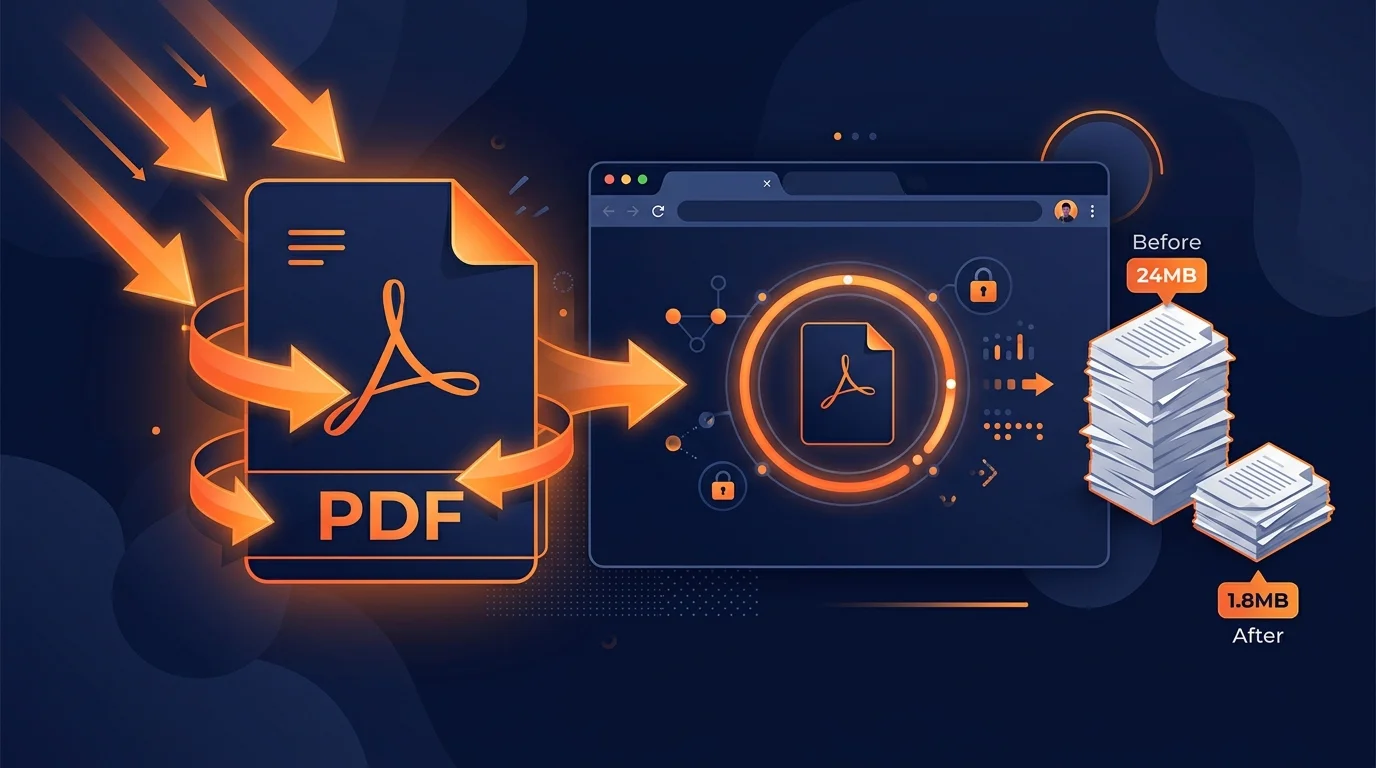
- Compress Size: Reduce the overall byte size of your file by compress-sampling raster graphics. Essential for email attachments and hosting speeds.
- Rotate Page Coordinates: Correct inverted sheets or wrong landscape alignments to ensure a uniform reading layout.
- Convert Formats: Translate other document standards (Docx, HTML, Markdown, images) to standard PDF sheets, or export PDF text to TXT files.
- Add Signature Stamps: Apply electronic signatures locally onto verification panels to bypass manual print-sign-scan workflows.
- Watermark Documents: Embed semi-transparent text margins across pages to declare copyrights or classify documents as confidential.
- Extract Layout Data: Extract plain text streams, fonts, or images embedded inside a document without altering the original file structure.
4. PDF Format Mechanics
A PDF file is a self-contained document layout database. Unlike DOCX files, which describe paragraphs flow dynamically based on screen resolution and device fonts, a PDF specifies the absolute 2D coordinate locations of text, vector shapes, and raster images. This absolute structure is what guarantees visual consistency across all platforms.
While this coordinate-based approach makes PDFs ideal for sharing final versions, it makes them notoriously difficult to edit. Modifying text requires recalculating layout bounding boxes, which is why converting to reflowable formats like DOCX or HTML is often necessary for significant revisions.
Format Comparisons
| Document Format Pair | Visual Layout Behavior | Primary Advantage | Recommended Use Case |
|---|---|---|---|
| PDF vs. DOCX | Fixed 2D Coordinate Grid vs. Flowable Reflowable Text | Universal consistency vs. Easy inline word editing | Contracts, reports vs. Draft layouts, notes |
| PDF vs. JPEG | Vector text shapes & images vs. Flattened raster pixel grid | Unlimited text scaling vs. Simple image viewing | E-books, invoices vs. Photography, graphics |
| PDF vs. HTML | Print-ready sheet bounds vs. Fluid browser viewport scaling | Offline layout security vs. Dynamic responsive web links | E-books, official records vs. Web articles, blogs |
5. Browser vs Cloud Processing
Traditional online PDF converters process your files using remote cloud services. When you click "Convert", your document is sent across the internet to a server, queued for processing, and then downloaded back to your device. This architecture introduces significant limitations:
- Data Privacy Risks: Your private invoices, bank statements, or confidential business contracts travel over public networks and reside on third-party cloud servers.
- Processing Delays: Uploading and downloading large files (e.g. 50MB documents) introduces substantial network latency, especially on slower connections.
- Server Outages: If the platform's servers go down, the tools become completely unusable.
GetLocalTools solves this by leveraging modern web technologies (HTML5 API wrappers, Javascript streams, and WebAssembly compilation runtimes) to perform all processing in your local browser sandbox. Once the web page loads, the underlying script executes calculations locally on your own computer's processor.
6. Platform Comparison
Compare our direct features against traditional online cloud conversion sites:
| Platform Feature | GetLocalTools (Browser Processing) | Typical PDF Sites (Cloud Processing) |
|---|---|---|
| File Privacy | 100% Safe Files remain strictly in browser RAM. | Risky Files travel to remote servers. |
| Speed & Latency | Instant local execution using hardware processor. | Depends on upload and download internet speeds. |
| Account Registration | None. Start converting files immediately. | Often prompts for email signups and passwords. |
| Usage Paywalls | Completely free. No caps on page numbers or files. | Limits files count or asks for paid subscription upgrades. |
| Branded Watermarks | None. Output files are clean and unmodified. | Frequently appends company logos to free exports. |
| Offline Execution | Fully supported once browser cache is loaded. | Impossible. Requires continuous network connection. |
7. Step-by-Step PDF Lifecycle
Standardizing your document lifecycle workflow ensures professional, optimized, and secure files:
- Create: Write content in reflowable editors (Word, Markdown, HTML) and export it to a standard PDF layout sheet.
- Edit & Organize: Split chapters, delete excess spaces, rotate inverted sheets, or merge multiple files into one.
- Compress Size: Run file-size compression to downsample heavy raster graphics before sending them over the network.
- Convert: Generate fallback formats (DOCX for editing, JPEG for sharing preview images) as needed.
- Sign & Secure: Overlay digital signatures, stamp watermarks, and protect confidential folders with owner passwords.
- Share: Distribute the secure document files knowing they will look identical on every screen.
8. Best Practices & Mistakes
Best Practices Checklist
- ✔ Compress before mailing: Always compress files to keep attachments under standard 10MB limits.
- ✔ Merge related topics: Keep your documentation clean by merging invoices or worksheets by month or project.
- ✔ Protect files with passwords: Apply security passwords to PDF files containing sensitive bank details or personal credentials.
- ✔ Strip metadata: Use our Metadata Editor to strip EXIF headers and author tags before publishing documents online.
- ✔ Maintain original masters: Keep editable original draft copies (DOCX or Markdown source) for future content updates.
Common PDF Mistakes
- ❌ Uploading raw heavy files: Exporting files containing high-resolution graphics creates unoptimized, multi-megabyte PDFs.
- ❌ Repeated file compression: Compress-sampling an already compressed file degrades visual images to fuzzy pixels.
- ❌ Using screenshots: Converting pages to image screenshots removes searchable text layers and blocks copy-paste access.
- ❌ Ignoring CLS shifts: Linking PDFs directly in webpages without explicit size parameters causes layout shifts during load.
9. Industry Use Cases
Discover how different sectors leverage GetLocalTools' private local utilities:
Legal Services
Merge legal evidence chapters, sign affidavits locally, and protect contract files with password credentials without uploading files to the cloud.
Healthcare
Maintain patient privacy laws by extracting metadata tags and compiling patient records client-side in a local browser sandbox.
Engineering
Split specific blueprint drawings from long technical spec documents, and compress high-resolution vector schematic drafts for email delivery.
Freelancing & Marketing
Convert visual presentation slides to PDF format, merge invoice sheets, and add company copyright watermarks before sending files to clients.
10. Related Guides & Resources
Read our latest technical insights and documentation on document performance and privacy:
How to Remove PDF Metadata Before Sharing
Learn how to identify hidden PDF properties, protect document privacy, and securely remove metadata variables locally.
25 PDF Productivity Tips That Save Hours Every Week
Discover 25 practical, browser-first PDF tips to optimize document compilation, formatting rules, and secure sharing.
PDF Workflow Guide: Scan → Edit → Compress → Share
Master professional file flows including paper scans, OCR text layer generation, compressor parameters, and secure sharing.
Best PDF Converter Tools (2026 Guide)
Discover the best free, privacy-first PDF converter tools in 2026 for Word, OCR, images, compression, and editing documents locally.
PDF vs Word: Which Format Should You Use?
Comprehensive comparison of PDF vs Word files for editing, printing, sharing, security, formatting, and professional documents.
Best Free PDF Tools Online (2026 Guide)
Discover the best free, privacy-first, browser-based PDF tools available in 2026 for merging, splitting, converting, and editing documents locally.
How to Compress PDF Without Losing Quality
Learn how to compress PDF files securely without losing quality. Reduce document file sizes locally in your browser memory for free.
Merge PDFs Securely (Browser-First Guide)
A step-by-step tutorial on compiling invoices, chapters, and worksheets into a unified PDF locally in your browser memory.
Convert PDF to Word Without Losing Formatting
The definitive guide on mapping coordinates, character width tables, and lines to preserve original structures in editable Word files.
PDF vs DOCX: Which Format Is Better?
A structured technical comparison analyzing font reflowability, vector scaling limits, and target document use cases.
11. Frequently Asked Questions
Get answers to common queries regarding local browser-based PDF processing, conversions, and document safety.
PDF tools are software scripts or utilities designed to modify, convert, compress, sign, and organize Portable Document Format (PDF) files. GetLocalTools runs these utilities locally in your browser memory.
Yes. Because GetLocalTools runs entirely client-side using JavaScript/WebAssembly frameworks, your files never leave your computer, bypassing any cloud data storage interception risks.
Yes. The local PDF Merger combines multiple document files into a single output file, maintaining your preferred page order without server uploads.
Yes. The PDF Splitter utility allows you to extract individual pages, custom page ranges, or specific document sections locally in your browser.
Yes. Our browser-based PDF Compressor uses smart local rendering to resize embedded photos and compress dictionary nodes, reducing size up to 80% offline.
Yes. The Rotate PDF Pages tool lets you correct inverted pages by 90, 180, or 270 degrees locally inside your device memory.
Yes. The PDF Metadata Editor allows you to inspect and rewrite properties like Title, Subject, Author, and Keywords in your browser.
Yes. The PDF to Word Converter translates coordinate-based layout nodes into structured, editable DOCX paragraphs in client-side memory.
Yes. You can drag and drop Word files (.docx) into our local converter to compile them into PDF sheets instantly without server processing.
Yes. The PDF to JPG Converter renders document sheets onto HTML5 canvas layouts and exports them as downloadable images locally.
Yes. You can compile image layouts (JPEG, PNG, WebP) into structured document pages using our local converter.
Yes. The Sign PDF tool provides a touch-friendly electronic signing canvas to draw or stamp signatures onto document layouts securely.
Yes. You can overlay semi-transparent copyright or confidentiality text tags on page margins locally using the Add Watermark utility.
Yes. The PDF Image Extractor parses document binaries to locate, isolate, and download embedded raster graphics offline.
Yes. The PDF to Text tool strips layout definitions and exports clean plain text content from your documents.
Yes. The PDF Text Searcher scans character arrays in document streams locally to find text matches offline.
Yes. Our PDF Page Cropper lets you modify visual page borders and margins dynamically in browser memory.
Yes. You can stamp numbering lists on document margins using our client-side Page Numberer tool.
Yes. Our Page Header Footer Adder allows you to customize running text overlays along page borders locally.
Yes. The JSON to PDF tool parses data matrices and renders them into structured documents offline.
Yes. The Markdown to PDF compiler renders markdown headings and layout syntax to a standard document locally.
Yes. The XML to PDF converter parses XML fields and translates them into structured, printable document pages client-side.
Yes. EPUB to PDF Converter parses eBook layers and formats them into standard PDF page sheets locally in your browser.
Yes. All our tools are mobile-responsive and optimized for touch inputs, working on modern iOS and Android browsers.
No. Processing occurs locally in your browser memory sandbox. Your files are never sent over the network.
Yes. Every utility on GetLocalTools is completely free to use without paywalls, email prompts, or limits.
Yes. Since processing runs on your own hardware RAM, there are no file counts or size restrictions.
Yes. Once scripts are cached by your browser session, you can run conversions fully offline without internet connectivity.
No. We do not have servers storing your files. Documents exist strictly inside your system memory.
Consult our quick needs comparison matrix above to match your task (e.g., merging, splitting, compressing) with the best utility.
Start Using Free PDF Tools Today
Explore our complete suite of browser-based document utilities. Optimize, modify, and sign documents locally without compromise.