Resize, compress, crop, convert, edit, enhance and optimize images directly inside your browser.
No Uploads. No Tracking. No Watermarks. 100% Local Processing.
Traditional image compression, resizing, and conversion web applications operate inside cloud networks, taking custody of your private photo library. Discover why client-side browser editing offers a better way.
Files Never Leave Your Device
Unlike other platforms, we never transmit your image assets to remote systems. All pixels are processed in local memory, keeping your documents fully private.
Faster Processing Speed
By executing calculations directly using your machine's hardware, we eliminate network upload queues and transit delays, generating final file outputs instantly.
Unlimited Free Usage
We do not restrict file sizes or daily conversion volumes. Process batch folders of multi-megabyte images continuously without encountering subscription request popups.
No Registration Required
Skip the complex setup processes, email verification grids, and account validation prompts. Open the tool layout, drop your files, and start optimizing.
100% Offline Compatibility
Once cached in your browser session directory, our HTML5 canvases and WebAssembly scripts execute without an active connection, even in remote locations.
Zero Watermarks or Fees
We believe basic media manipulation tasks should be accessible to all. Your output images are saved exactly as you configure them, without watermarks or brand markings.
Featured Image Tools
Launch our high-fidelity client-side graphical utilities to convert formats, resize pixel ratios, and adjust file sizes safely in your browser.
Image Compressor
Browser-BasedPrivacy-FirstFree
Reduce graphic file size by 70% or more without degrading visual pixels. Fast local adjustments for JPG, PNG, and WebP formats.
How you process files has profound implications for data security, execution speed, and usage flexibility. Understand the difference between cloud-centric systems and browser-first tools.
Most modern web editors function by uploading user files to remote servers where background processes execute tasks like cropping, converting, or parsing. While convenient, this model introduces significant vulnerabilities: it exposes personal photo contents to data interceptions, increases file transfer times, and relies heavily on server availability.
GetLocalTools eliminates this paradigm by running code entirely in the client-side browser space. Through the use of HTML5 canvas interfaces, dynamic Javascript engines, and high-performance WebAssembly worker threads (such as local AI subject segmentation or offline Tesseract OCR), your documents are handled strictly inside your hardware RAM.
Performance Feature
Cloud-Based Processing (Traditional)
Client-Side Browser Processing (GetLocalTools)
File Security & Privacy
High Risk Uploads files to remote storage networks.
100% Secure Files remain in local browser sandbox memory.
Processing Time
Slow upload and download times over network pipelines.
Instant execution using your computer's RAM and GPU.
Offline Usability
Impossible. Requires connection to server.
Works fully offline once script files are cached in browser.
File Size Limitations
Strict limits on uploads to avoid server overloads.
Virtually limitless, constrained only by system memory.
Hidden Pricing & Ads
High subscription prompts to cover server storage fees.
Completely free. No server costs allow zero usage limits.
Featured Image Guides & Insights
Read our detailed technical documentation and guides to learn best practices for image formats, resolution resizing, web performance optimization, and file privacy.
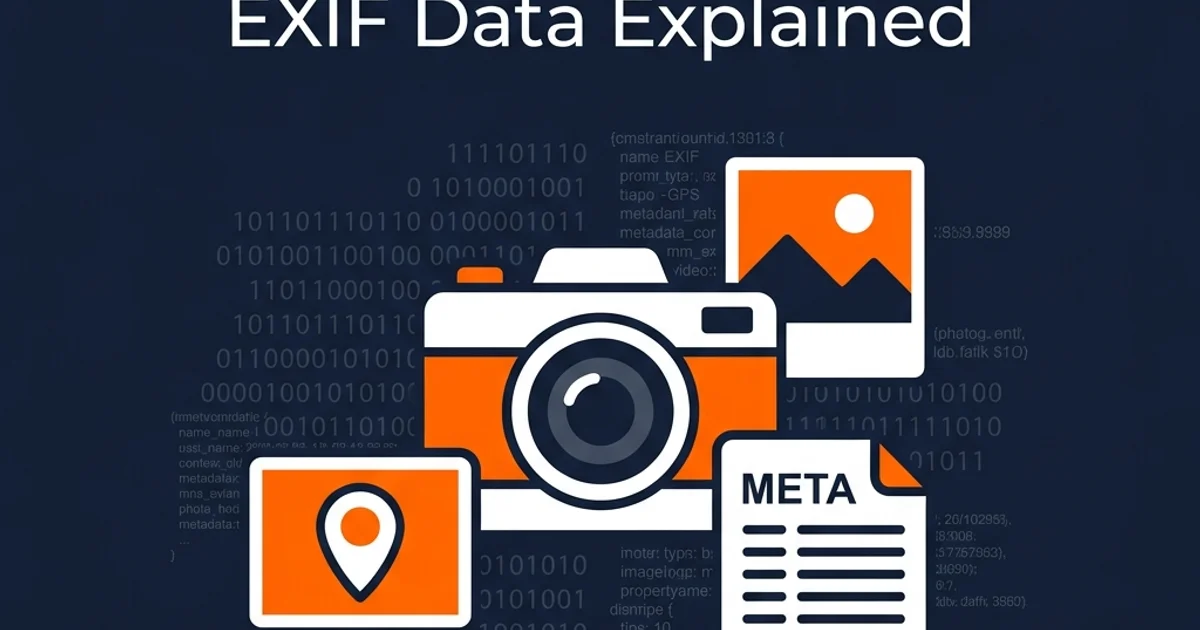
How to Remove EXIF Metadata from Images
Learn how to inspect and delete camera settings, device details, and GPS coordinates from your photos locally in your browser.
Choosing the correct file format is essential for maximizing display fidelity and minimizing network footprints. Here is a review of key digital graphic standards.
Format
Best For
Transparency
Compression Type
JPEG / JPG
Complex photographs and realistic prints
No
Lossy compression
PNG
Screenshots, digital interface elements, and logos
Yes (8-bit or 24-bit alpha)
Lossless compression
SVG
Vector graphics, responsive icons, and typography logos
Yes
Vector-based (No compression artifacts)
WebP
Modern web publication graphics and photographs
Yes
Lossy & Lossless (High efficiency)
AVIF
Next-generation high-efficiency web publishing
Yes
Lossy & Lossless (Advanced codec)
HEIC
Mobile phone captures and high-quality local storage
JPEG is the standard compression protocol for continuous-tone photographic files. It uses lossy compression algorithms to selectively discard high-frequency color variations that the human eye struggle to differentiate.
Best Use Case: Complex real-world photographs, nature shots, print scans, and rich camera outputs where file size needs optimization.
Advantages: Supported universally across all operating systems, web browsers, and email software. Extremely small compressed footprints.
Disadvantages: Does not support alpha transparency layers. Accumulates compression artifacts when edited and saved repeatedly.
PNG (Portable Network Graphics)
Lossless Raster
PNG was created to replace the outdated GIF standard, offering an open lossless format that preserves every detail of an image. It includes robust support for transparency channels, making it ideal for UI design.
Best Use Case: Web interface screenshots, logos, user experience icons, text graphics, and images containing transparency requirements.
Disadvantages: Large file sizes make it inefficient for saving high-resolution photographic libraries.
WebP (Google Web Format)
Lossless & Lossy
WebP is a modern web-first format designed to provide high-quality compression for digital assets. It utilizes predictive coding based on adjacent pixel blocks to significantly reduce file footprints.
Best Use Case: Main web page assets, blog featured images, e-commerce graphics, and web applications aiming for maximum PageSpeed ratings.
Advantages: Files are typically 30% smaller than comparable JPEGs and PNGs while supporting transparency and animation.
Disadvantages: Limited editing compatibility in older offline graphical design programs.
SVG (Scalable Vector Graphics)
Vector Graphic
Unlike raster formats, SVG represents images using mathematical coordinate formulas in an XML schema. This allows vectors to scale to any size without losing sharpness.
Best Use Case: Brand logos, clean website icons, mathematical charts, UI elements, and responsive responsive visual grids.
Advantages: Resolves infinitely without pixelation. Small text sizes. Can be styled and animated using standard CSS styles.
Disadvantages: Cannot represent complex real-world photographs or detailed visual scenes.
Why Image Metadata and Geolocation Privacy Matter
Every photo you take contains hidden footprints that can expose your physical location, device details, and identity. Learn how browser tools secure your data.
When you capture a photograph using a modern smartphone or digital camera, the device automatically generates an EXIF (Exchangeable Image File Format) metadata packet and embeds it directly into the image file. This data block contains precise details about the hardware model, shutter speed, lens configurations, creation timestamp, and GPS coordinates of the exact location where the photo was taken.
If you upload these images to standard online marketplaces, cloud editors, or community chat grids, third parties can easily parse these tags. This exposes your privacy, letting anyone trace your physical location history, daily routes, or private address.
By using GetLocalTools' offline client-side utilities, you run no such risks. Because the files are loaded strictly within your local browser memory sandbox, no external servers can access or intercept your files. You can strip metadata, resize dimensions, and edit photos securely on your own device.
Frequently Asked Questions
Explore comprehensive, SEO-optimized answers to common queries regarding browser image manipulation, security, and formats.
Online image tools are web-based utilities that allow users to edit, compress, convert, crop, and manipulate graphics files without needing to install dedicated desktop software like Photoshop. On GetLocalTools, these utilities process everything client-side in the browser.
Most cloud-based online tools upload your files to external remote servers, which creates data privacy risks. However, GetLocalTools is 100% safe because it executes all processing operations locally inside your web browser sandbox. Your images are never uploaded to a server.
No, they do not. GetLocalTools employs client-side scripting and WebAssembly. When you drag and drop a file, it is loaded into the browser memory sandbox on your computer. All rendering, compression, and extraction happen locally.
Yes, GetLocalTools is completely free. There are no subscriptions, registration walls, payment popups, usage limits, or hidden fees. Every feature is available for free without any watermarks.
Yes. Our tools support both lossless compression (which reduces file sizes without removing metadata or altering visual data) and smart lossy compression (which optimizes file size by removing details imperceptible to the human eye).
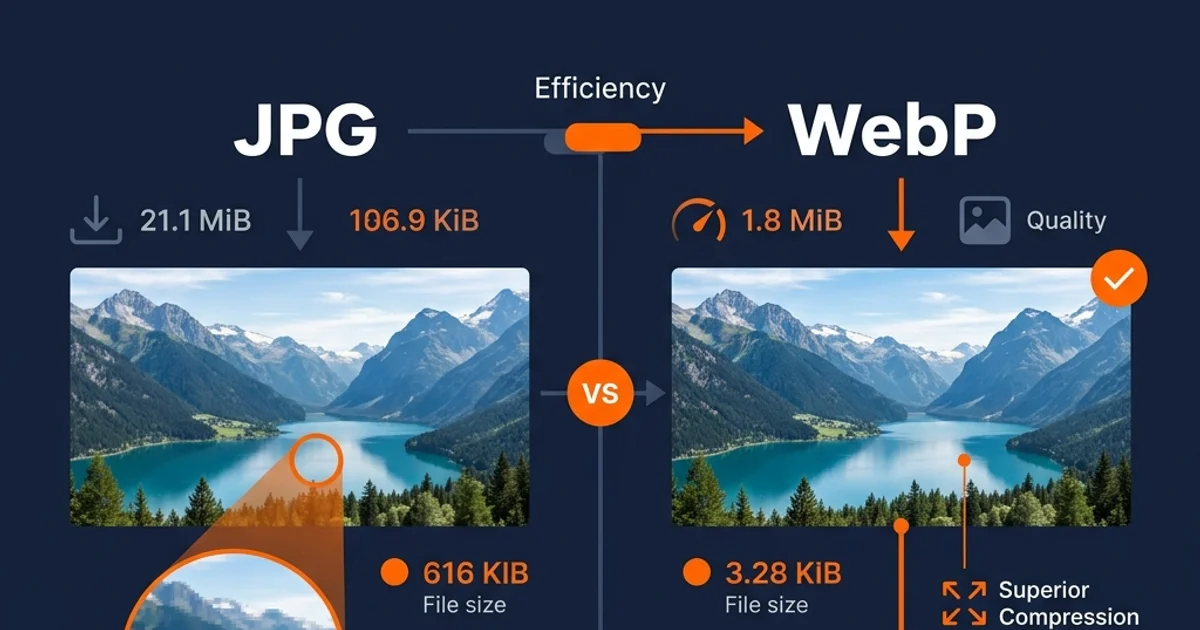
WebP and AVIF are currently the best formats for web use. They provide superior compression rates compared to traditional JPEG and PNG formats, reducing page size and enhancing LCP Core Web Vitals score metrics.
WebP is a modern image format developed by Google. It supports both lossy and lossless compression, as well as alpha channel transparency. WebP files are typically 25-30% smaller than comparable PNGs and JPEGs.
Yes, you can. We offer an EXIF Metadata Remover tool that strips all metadata tags, including GPS coordinates, camera model info, and software logs, and downloads a clean image to protect your privacy.
Simply load the Image Resizer tool, upload your file, enter your desired width and height values, check 'Lock Aspect Ratio' to prevent distortion, and click resize. The calculation is done instantly in your browser.
Open the PNG to JPG Converter, select your PNG file, customize the background color for any transparent pixels, set the target JPEG output quality, and click convert. The tool renders the output image locally.
Yes. The Image Cropper tool runs locally using high-fidelity HTML5 canvases, allowing you to crop rectangular shapes or exact aspect ratios securely without sending your private files over the network.
OCR stands for Optical Character Recognition. It is a technology that analyzes pixel shapes in an image to identify characters, converting scanned document files or text screenshots into editable text strings.
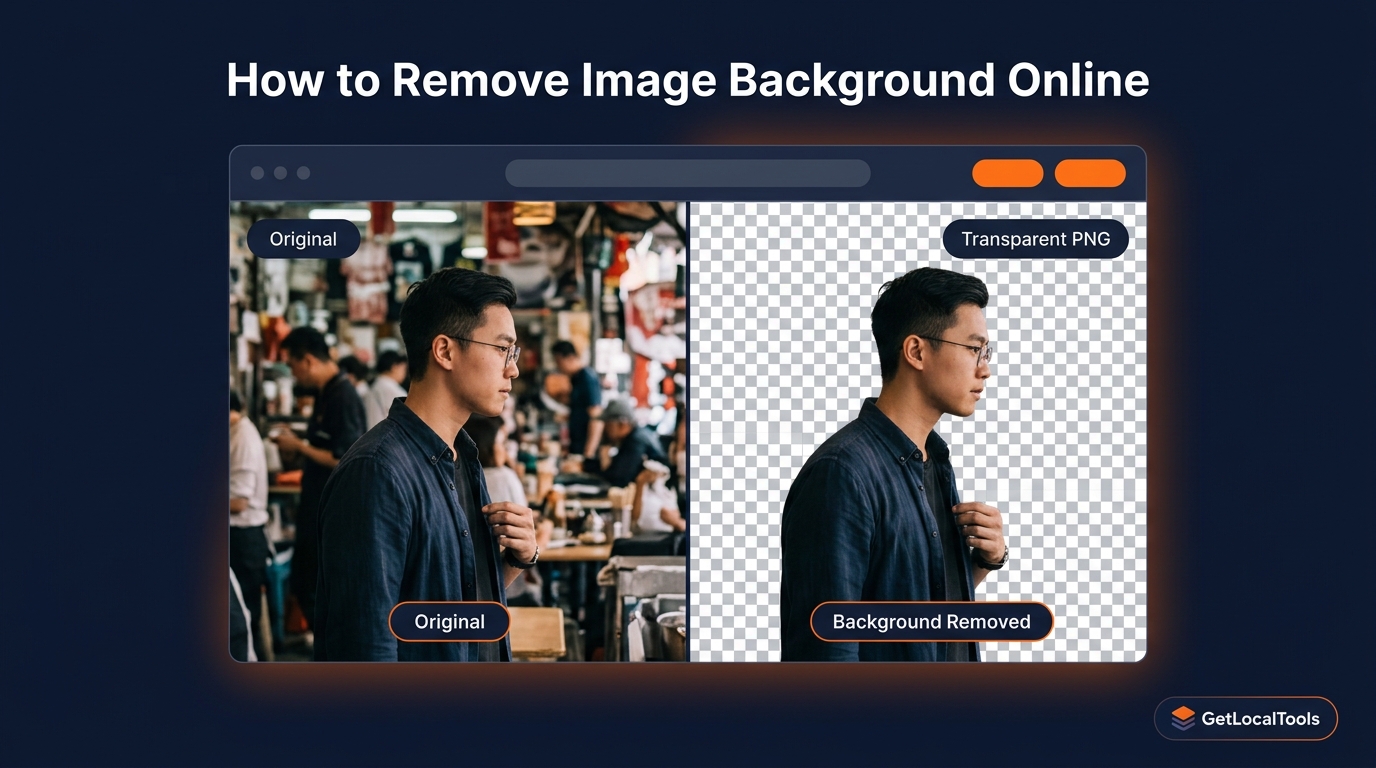
Yes. Our Change Image Background tool downloads a lightweight neural network directly into your browser worker cache, allowing you to isolate subjects automatically and swap backdrops client-side.
Yes. Once the page is loaded, the underlying JavaScript and WebAssembly files are cached in your browser. You can edit, convert, and compress images even without an active internet connection.
Yes. Browser processing runs inside a secure sandbox. The script can only access files you explicitly upload and cannot read other folders on your hard drive, offering a secure alternative to untrusted desktop apps.
To optimize images for SEO, resize them to their actual display dimensions, compress them using WebP format, use descriptive filenames, and write relevant alt tags containing your target search keywords.
SVG (Scalable Vector Graphics) is the best format for logos and icons. Because it uses vector coordinates rather than a pixel grid, it can scale to any size without losing sharpness or pixelating.
For saving high-resolution photos with rich colors, JPEG is the traditional choice. However, WebP is increasingly preferred for digital distribution as it offers similar quality at much smaller sizes.
Yes. All GetLocalTools utilities are responsive and optimized for mobile screens, allowing touch-friendly cropping, compressing, and converting on the go.
Any tool that uses client-side execution (rather than cloud processing) is completely private. GetLocalTools guarantees that every image utility runs 100% locally on your machine.
🚀 More Image Tools Coming Soon
GetLocalTools is continuously expanding with new privacy-first browser-based tools. The following image tools are currently planned and will be released in future updates. Once available, they will automatically become part of the Image Tools collection.
Brightness & Contrast
📋 Planned
Adjust image brightness, contrast and exposure locally without uploading files.
Sharpen & Blur Filters
📋 Planned
Apply sharpening or blur effects to enhance or soften your images securely inside your browser.
Photo Noise Reduction
📋 Planned
Reduce digital image noise and improve photo clarity using browser-based processing.
SVG to PNG Converter
📋 Planned
Convert scalable SVG graphics into high-quality PNG images with custom dimensions.
We're actively expanding GetLocalTools with new browser-based privacy-first utilities.
Follow our Insights section to discover newly released tools and tutorials.